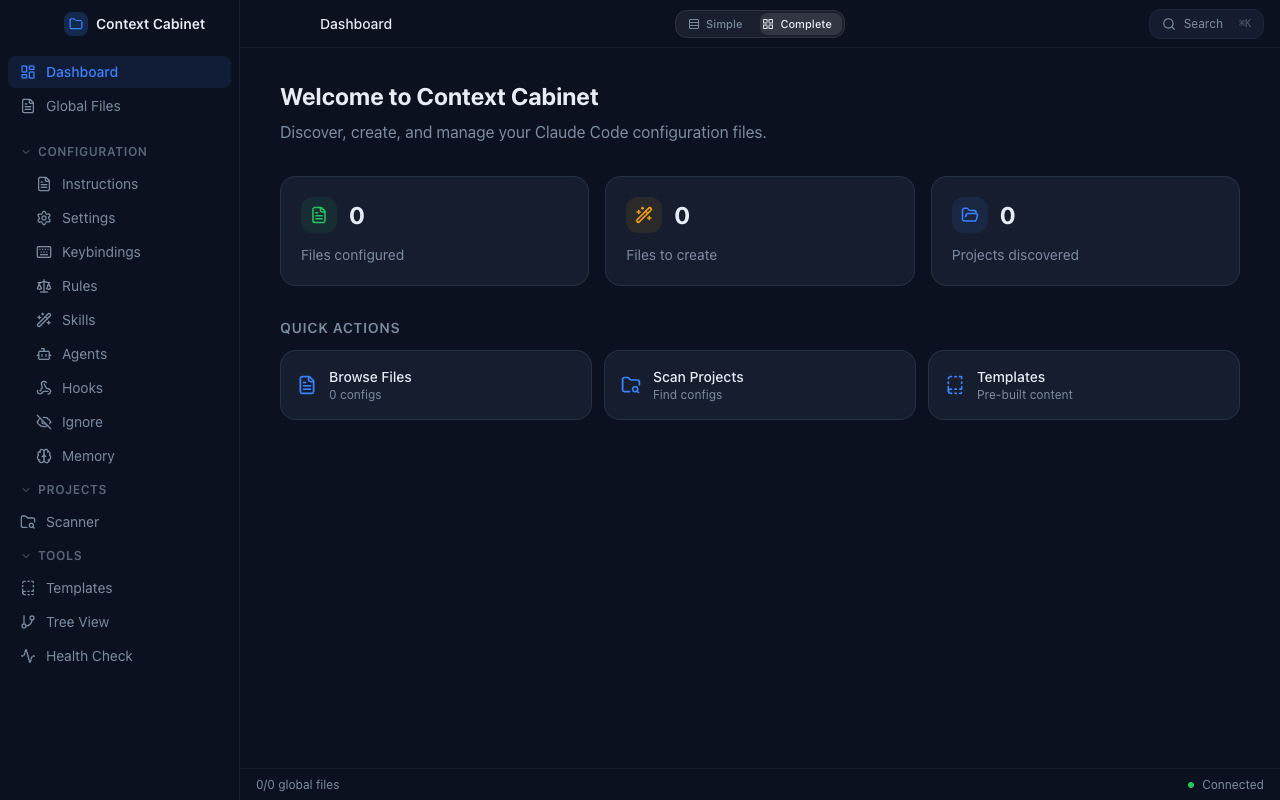
A macOS desktop app that finds and manages every Claude Code configuration file. Fifteen scattered config files, one place to deal with them.
The Story
Somewhere around my fifth Claude Code project, I noticed a pattern: I kept losing track of my own configuration. Claude Code has something like fifteen config files — CLAUDE.md, settings.json, keybindings, rules, skills, hooks, agents — scattered across your home directory and every project folder. I'd set something up, forget about it, set up something slightly different somewhere else, and wonder why nothing worked the way I expected.
To put it in terms I understand: it was like running a law practice where every case file is in a different building and none of them are labeled.
Context Cabinet is the filing system. A native macOS app that finds every Claude Code config file on your machine, shows you what each one does, lets you edit them with proper syntax highlighting, and lays out the scope hierarchy so you can see what's overriding what.
Built with Claude
I built this for myself — I needed it. But it was the first project where I was thinking about how someone else might use it, which forced me to care about UI and UX in a way my earlier family projects hadn't. Electron, React, TypeScript, Zustand, CodeMirror, Framer Motion, Radix UI — all of that was new to me at the time. Now it's a real Mac app on my dock that I use regularly.
Everything I'd built before this was for my kids or for fun. Context Cabinet was different because the hypothetical user actually knows what good software looks like. That meant thinking through conventions I use every day as a Claude Code user but had never implemented: command palettes, keyboard shortcuts, file watchers, tree views. Building the tools you rely on gives you a different perspective on how they work.